Introduction video tutorial
Start here for a high-level introduction to TestLodge. Whether you’re new to the tool or looking for a refresher, this is a great way to understand how your account and tests are organized.
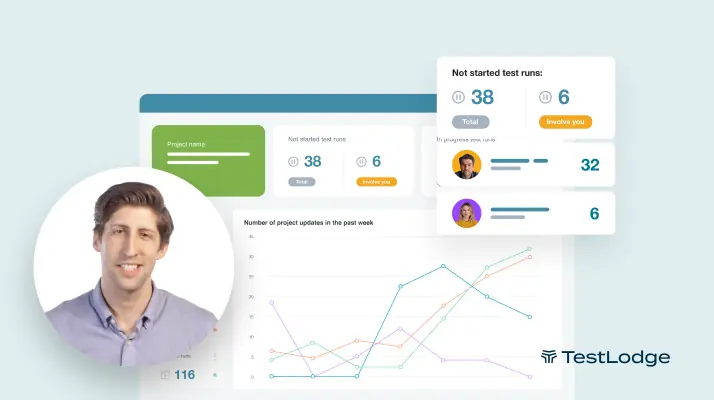
Master test case management with our video guides.

Explore TestLodge by watching our step-by-step video guides. Each tutorial focuses on a specific feature, so you can jump straight to what you need or work through them all. Follow along and learn how to organize test cases, track results, and work with your team.
Browse our tutorial video collection below to learn how TestLodge can improve your testing workflow.
Start here for a high-level introduction to TestLodge. Whether you’re new to the tool or looking for a refresher, this is a great way to understand how your account and tests are organized.
TestLodge lets you add as many users as needed at no additional cost. Learn how to create custom roles and invite your team, ensuring everyone has the right level of access for seamless collaboration.
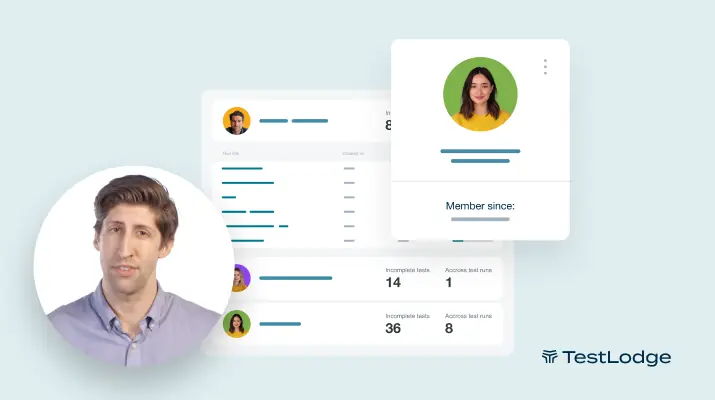
Discover how TestLodge acts as a centralized repository for all testing docs, including test plans and requirements. See how to create a test plan and maintain your requirements.
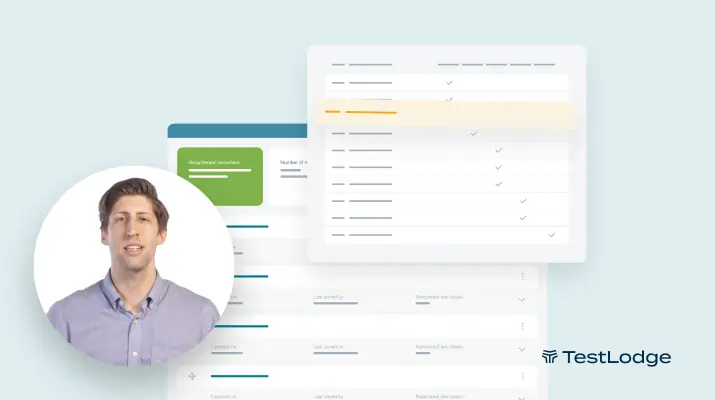
Get familiar with test suites and test cases, and learn how they help keep your tests organized. Need to create a custom test case field? We’ll walk you through that as well.
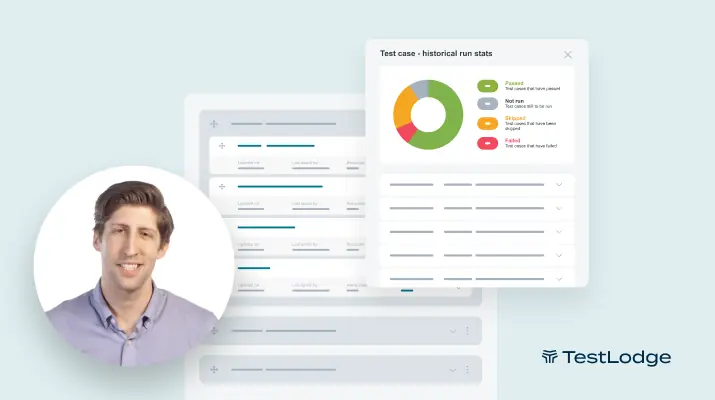
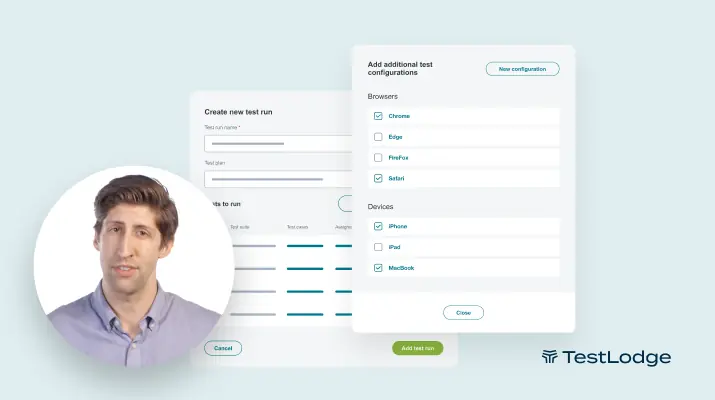
When you’re ready to execute your tests, you’ll create a test run. We’ll show you the different ways of creating runs, along with how to assign users and select different operating systems or web browsers on which tests should be run.
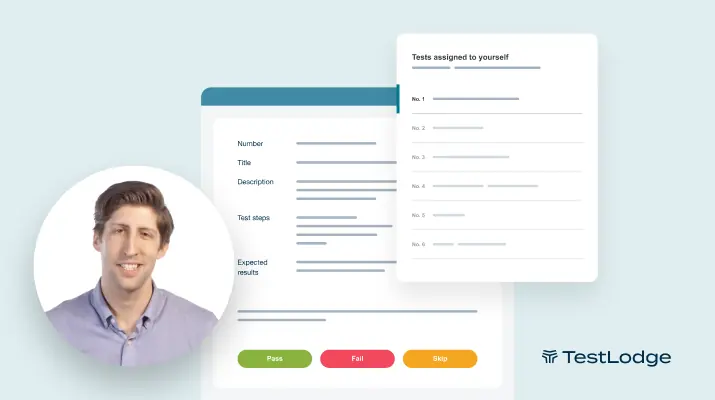
Learn how to cycle through tests, record results, upload screenshots, and create bug reports all within the same screen. Plus, see how powerful TestLodge’s test reports help you measure progress.
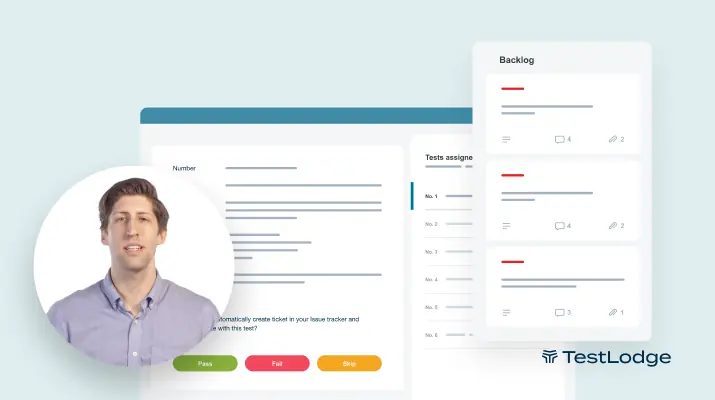
Learn how to integrate your issue tracker with TestLodge and automatically create tickets when a test fails. We’ll show you how to quickly set up an integration and the general functionality that they have.
30-day free trial. No credit card required.